How to use Easy Cheesy Vegetarian
I’ve spent the past 15 years developing this website and adding heaps of useful features, and I want to share a few of them with you in case you haven’t spotted them before!
1. ❤️ Save your favourite recipes
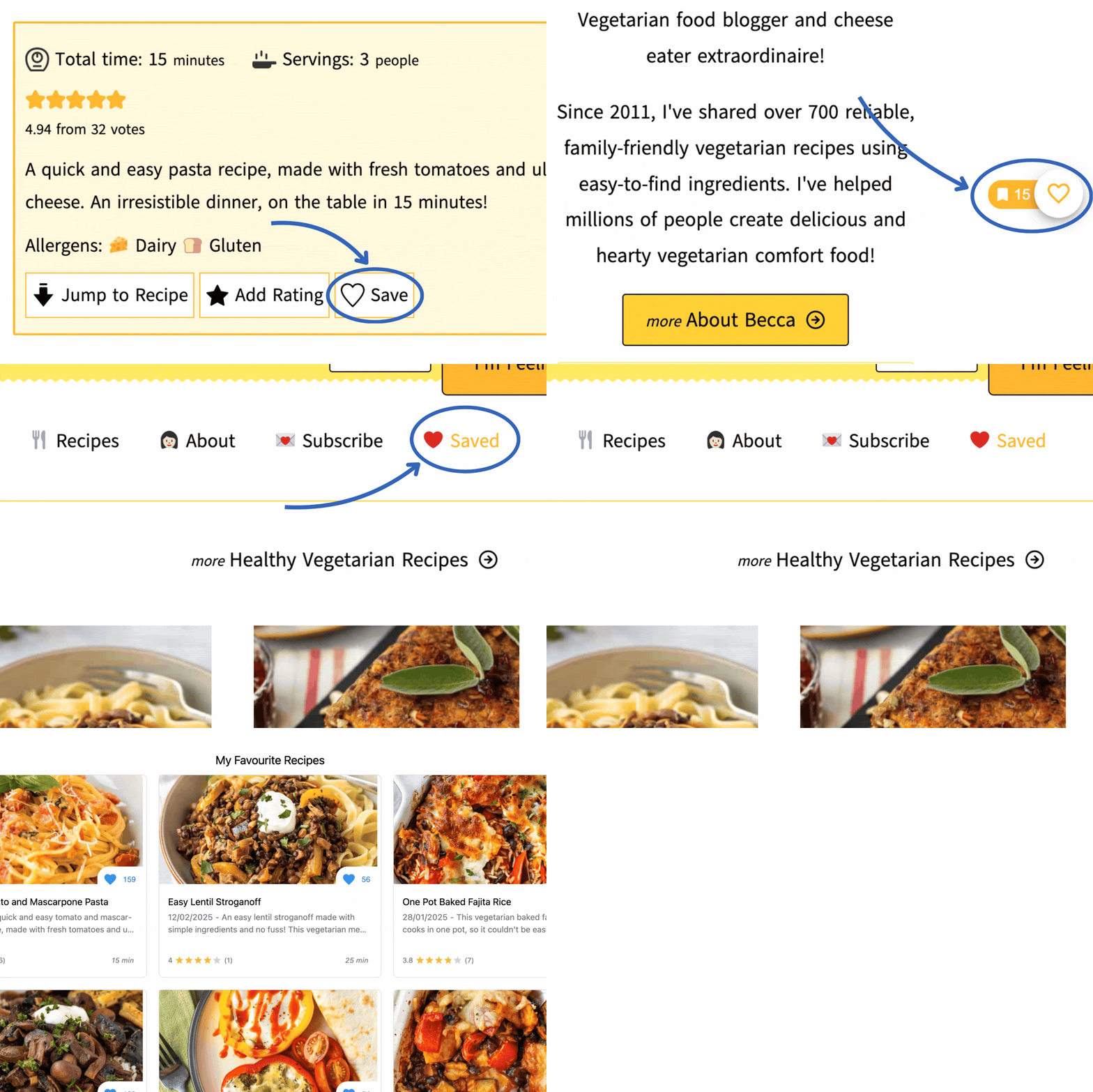
Want to save a recipe to come back to later? Just hit the ‘save’ button at the top of each recipe (sometimes the button takes a few seconds to load so be patient please!).
Alternatively, you can hit the heart that loads on the right hand side of each blog post.
You can then hit the little flag next to the heart to view all of the recipes you’ve saved previously in one handy place! I’ve also added a link to the main navigation menu to make it even easier to find your favourites.
2. 💌 Send a recipe to your inbox
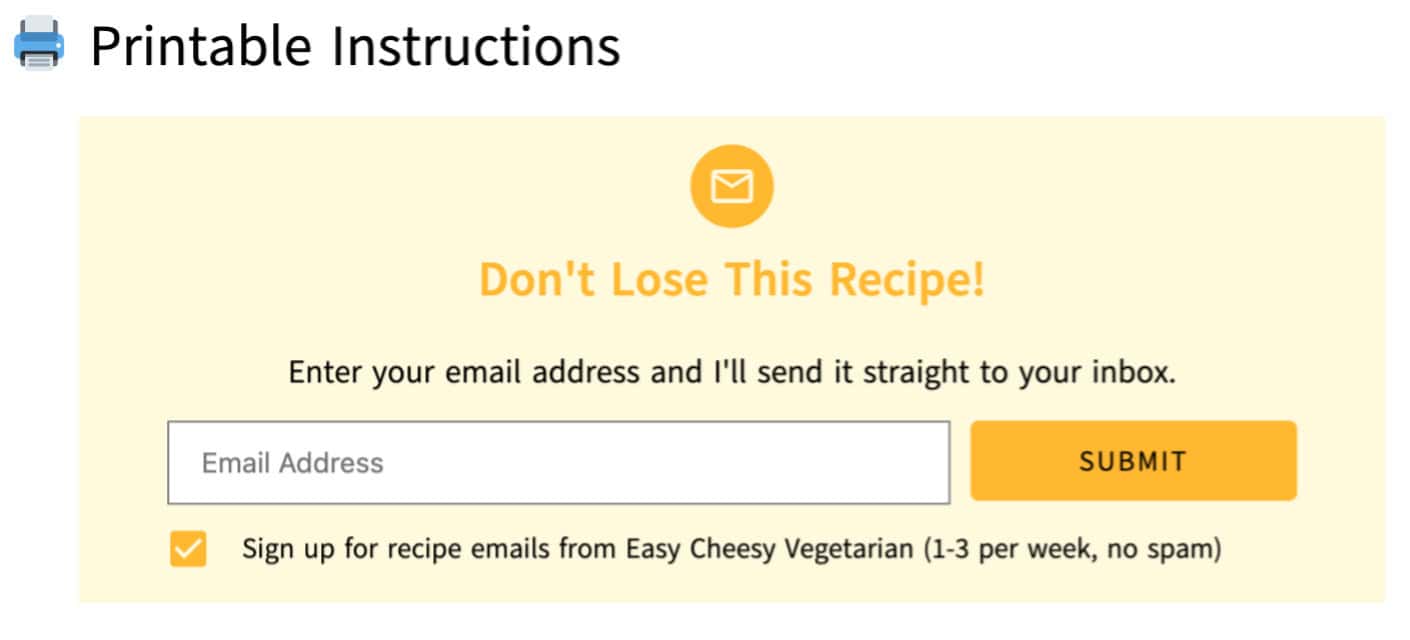
If you’d prefer to keep your favourite recipes in your email inbox, you can put your email address in the box just above each recipe’s printable recipe card, and you’ll automatically receive an email with a link to the recipe.
That way, you can easily search your inbox at a later date to find all the recipes you’ve saved. If you’re super organised, you could even create a separate folder within your inbox for all your favourite recipes.
3. 🫣 Choose to hide step-by-step images
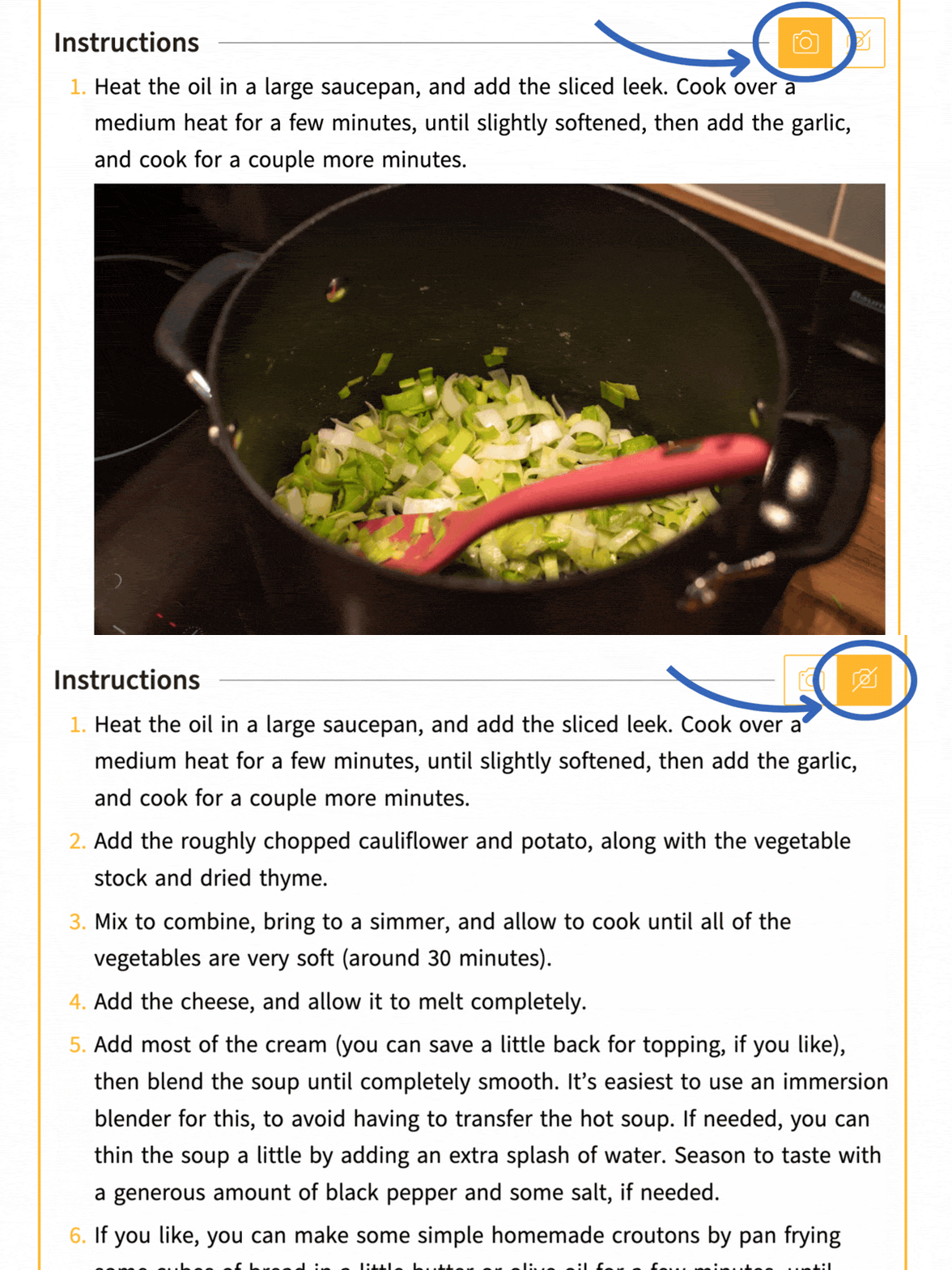
In my newer blog posts, I generally include step-by-step photos within the printable recipe card.
If you would prefer to scan through a recipe without looking at the step-by-step images, you can easily toggle them on and off by clicking the camera button next to the ‘Instructions’ title.
4. 🖨 Customise your printing
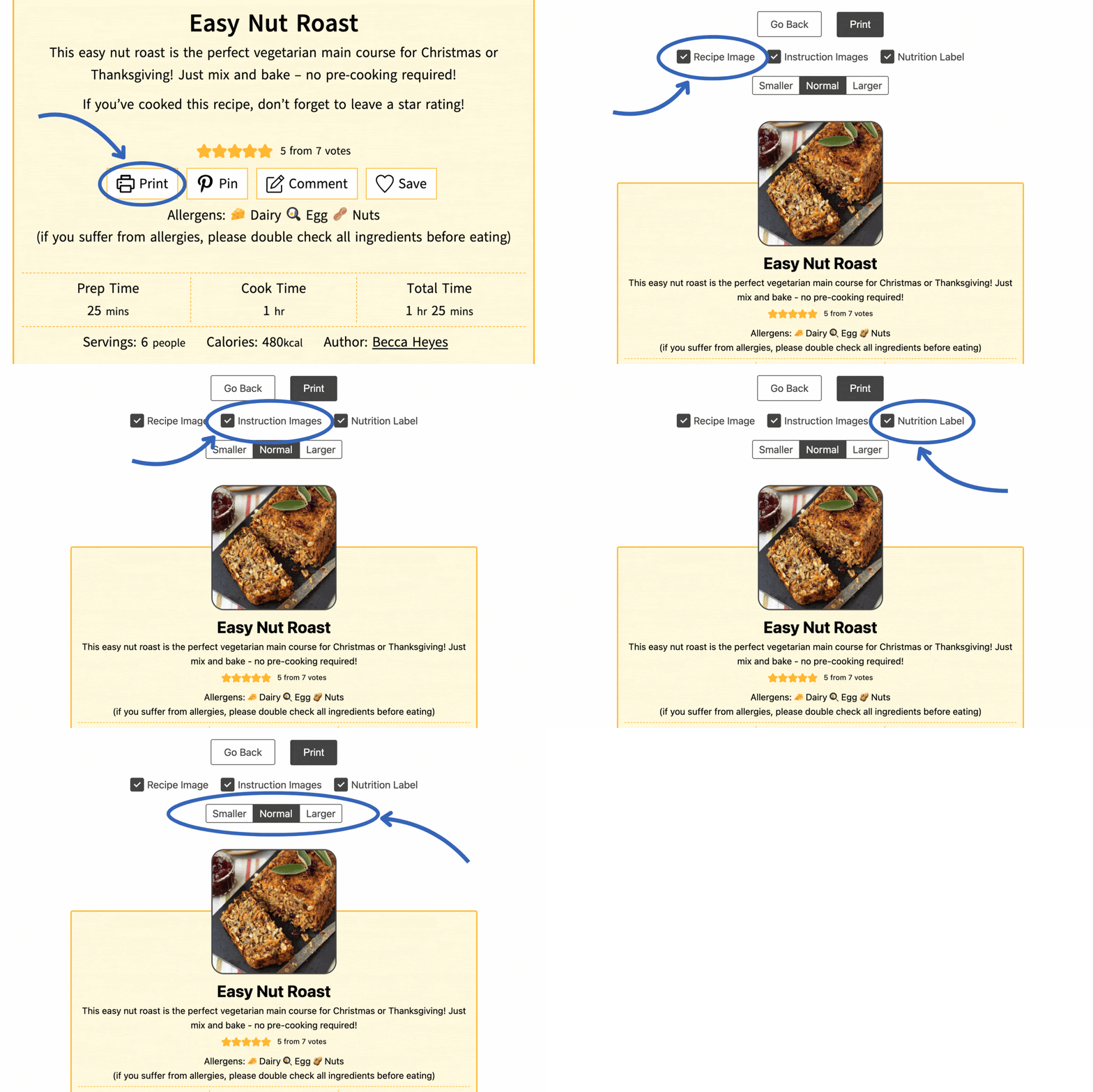
If you like to print my recipes, you don’t need to do any awkward copying and pasting, and you don’t need to use any other computer software. Just click the ‘Print’ button at the top of the printable recipe card.
Then you can choose which elements you print – the recipe image, step-by-step photos, the nutrition label, or all / none of the above. You can even choose the text size!
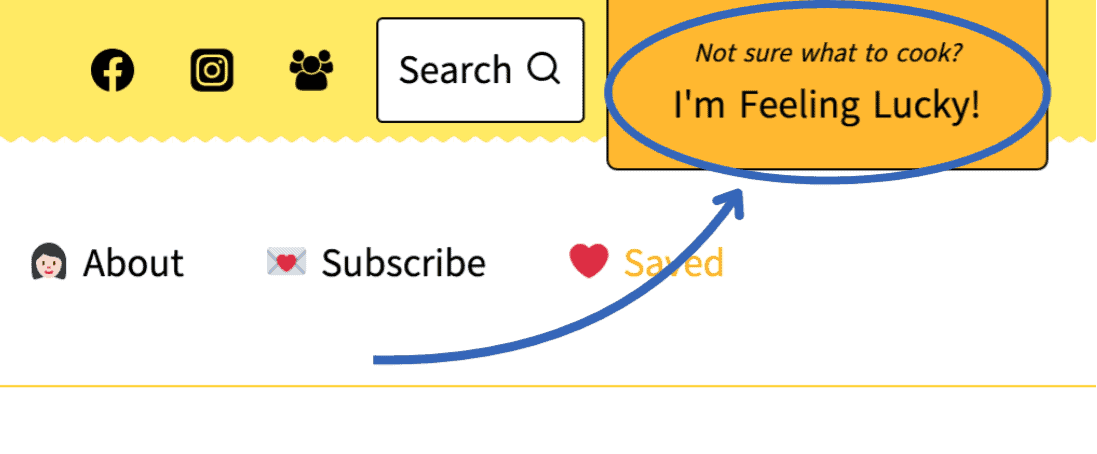
5. 🍀 Take a chance on a recipe
If you’re feeling uninspired, click the ‘I’m feeling lucky’ button at the top of the page, and you’ll be taken to a random recipe. It can be a great way to trigger some ideas if you don’t know where to begin!